
News
How to Save and Organise Postcodes You Use Often
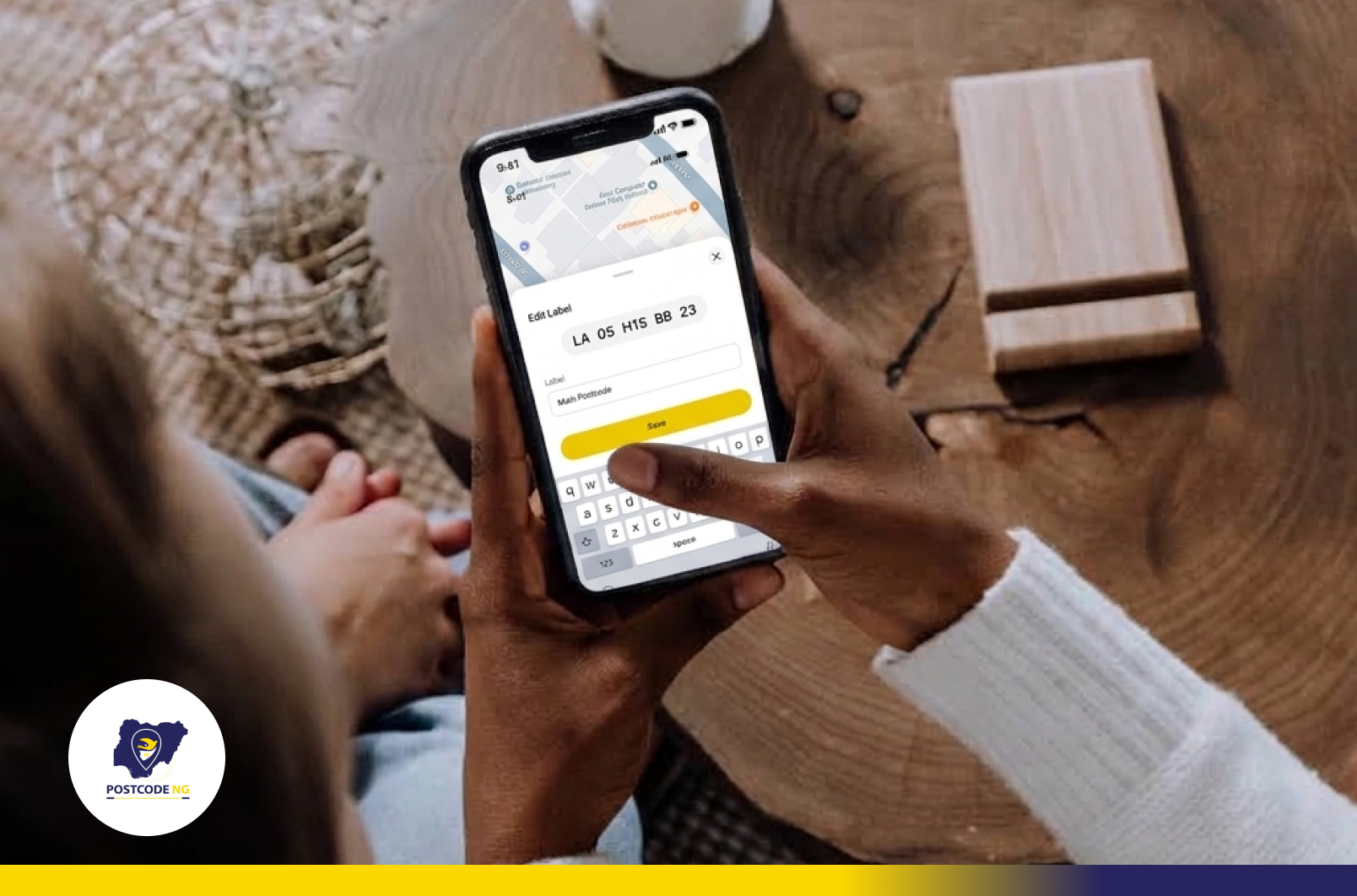
You are filling out a delivery form and need your office postcode again. You found it a few days ago, but now you have to search for the building all over again.
You don’t have to.
The Postcode app lets you save postcodes you use often, add labels such as Home or Office, choose a primary postcode, and return to your saved locations whenever you need them.
Here’s how to organise your regular locations so their postcodes are always within easy reach.
Why Should You Save Postcodes?
Think about the locations you use repeatedly: your home, office, a family member’s house or somewhere you regularly receive deliveries.
Once you have found the postcode for one of these places, saving it means you do not need to search for the location again every time you need the code.
That is part of the basic way the Postcode app is designed to work:
Find → Save → Share → Reuse.
You can build a useful collection of the places you return to most often and retrieve them when you need them.
How to Save A Postcode
Start with the location you want to keep.
Search for the building or location in the Postcode app and open its postcode. If you are at the location, you can use Find My Postcode to locate yourself on the map and tap the correct building to get its postcode.
Once you have the correct location, save its postcode.
It will be added to your saved postcodes, ready for you to return to later.
This is especially useful for places you expect to use more than once. The app specifically supports saving frequently used postcodes so you do not have to search for them again each time.
Add a Label such as Home or Office
Imagine you have saved four different postcodes. You probably do not want to look at four 11-character codes and work out which one belongs to your office.
Give your saved locations labels you can recognise instead.
For example, you could use Home for where you live and Office for where you work. The app allows you to add labels to frequently used postcodes so your saved locations are easier to identify.
The label should make sense to you. If you regularly visit a relative, for example, a label such as Mum’s House may be easier to recognise than the postcode itself.
Choose Your Primary Postcode
You can also choose one of your saved locations as your primary postcode. Your primary postcode is the default saved location for Postcode services, and you can change it at any time.
For example, if you use your home postcode most often, you can make Home your primary postcode. If that changes later, you can choose another saved postcode as your primary location.
Changing your primary postcode does not change the postcode assigned to a building. A Digital Postcode is associated with the physical location, not the person using it. If you move, you use the postcode associated with your new location.
How to Return to A Saved Postcode
Now imagine you need that office postcode again. This time, there is no need to search for the building from scratch. Return to your saved locations and select the label you recognise.
That is the benefit of organising your regular locations as you save them: Home, Office or another useful label tells you which postcode you need without requiring you to memorise the code. In fact, you do not need to memorise all 11 characters of your postcodes. The app is designed to help you find, save, share and reuse them.
You can also share a saved postcode when someone else needs the standard location reference.
Save the Places You Use Most
The next time a delivery form asks for your home postcode or someone needs the postcode for your office, you should not have to start another search.
Save the postcodes you use regularly, give them labels you will recognise and choose your most-used location as your primary postcode. When you need one again, return to your saved locations and reuse it.
Open the Postcode app and save the locations you use most.
More in News
9 Things People Get Wrong About the New Postcode
The new digital postcode gives every addressable building or location an 11-character code. That simple idea invites quick conclusions.
How to Correct Wrong Information on Your Postcode
Your postcode is the digital address of your home or business. Couriers use it to find you. Emergency responders use it to reach you. Banks, delivery apps and g